Watch your garden mature before you plant a thing
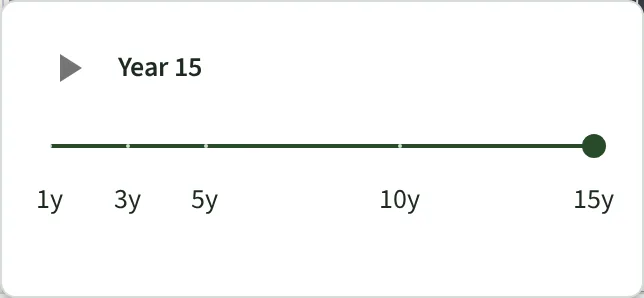
Move one slider and your whole design grows. See it at Year 1, Year 5 and Year 15, so you can fix the spacing now — while fixing it is free.

Your new planting will look too sparse
That is the moment most people over-plant. They buy a few more shrubs to fill the gaps. Five years later the bed is a solid mass with nothing readable in it.
The opposite mistake is quieter and more expensive. A tree that looks tidy in a one-gallon pot ends up thirty feet wide, sitting over the patio you built for it.
Every plant carries its own growth rate
Every species in the plant library carries its mature height and spread and a growth-rate class — fast, medium or slow. When you drag the year slider, Plantyd redraws each plant at the fraction of mature size that class reaches by that year.
Nothing about your design changes — only the year you are looking at. You can move a plant at Year 15, then slide back to Year 1 and it is still moved. Annuals and vegetables are drawn at full size at every year, because that is what they are.
Free accounts get Year 1 and Year 15 — newly planted and fully grown. You need both to space a bed correctly, because it is Year 15 that catches the tree sitting over the patio. Pro fills in Years 3, 5 and 10, and adds the play button that runs the whole thing as one animation.
Year 1 shows you the design underneath
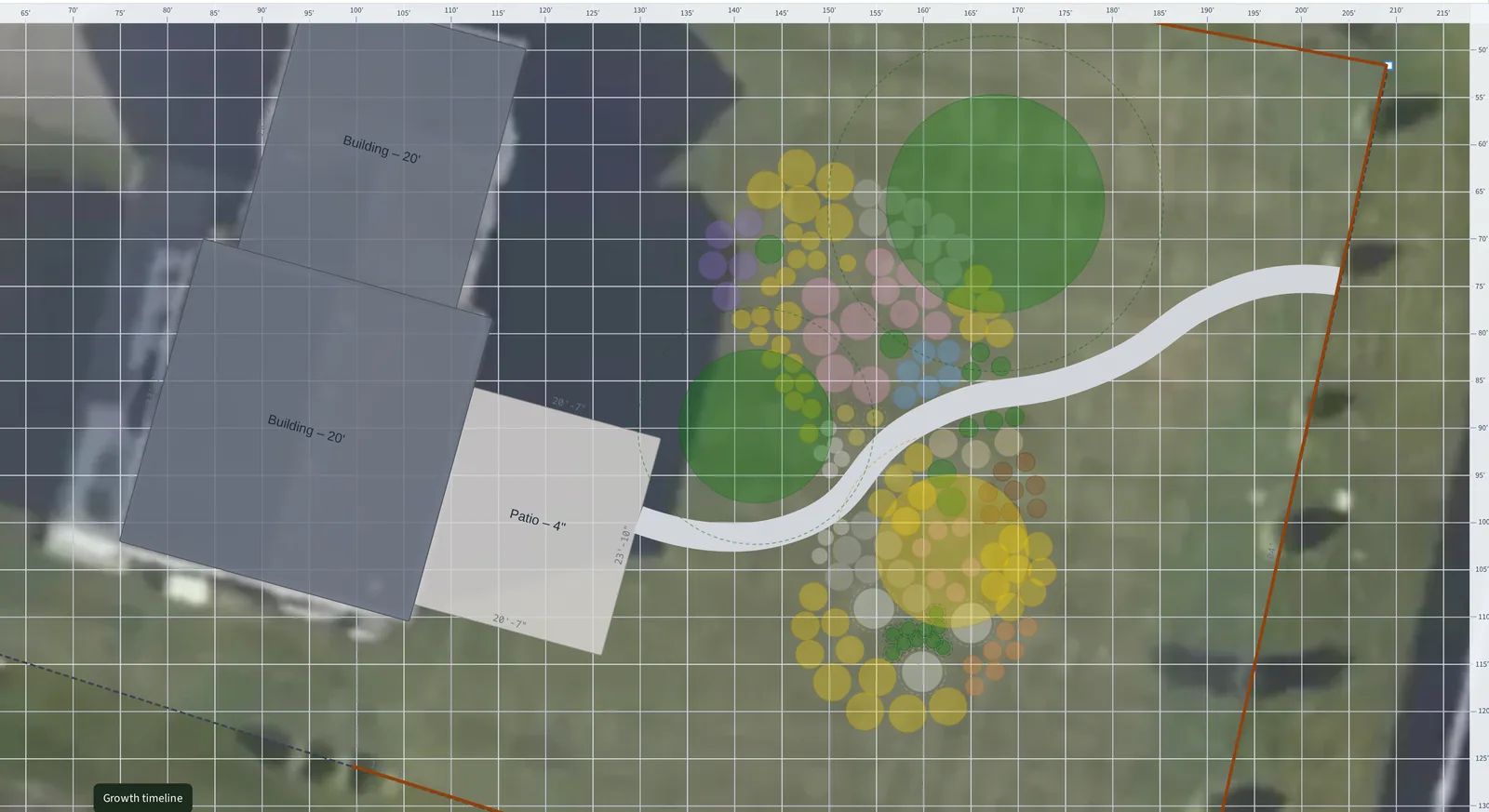
At Year 1 Plantyd draws each plant small, with a dashed ring showing the space it will claim. Read those rings by layer. For a tree or a specimen shrub, overlapping rings mean competition and something has to move. For perennials and groundcovers, overlapping rings are the point — a drift is meant to knit closed, and spacing them at their full ring leaves permanent gaps for weeds.
This is the view to use when you are deciding how many to buy. A bed that looks thin at Year 1 and correct at Year 5 is a bed that is planted right.
Set the plants you already have to their real size
Most yards already have something growing in them. You are usually designing around an established maple, an inherited hedge, or shrubs you put in three years ago. For those plants, you can set their Year 1 size yourself.
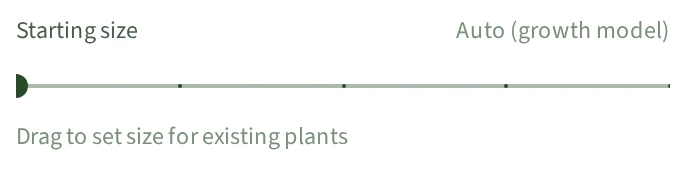
Select the plant and drag the Starting size slider in its details panel. You set it as a share of that species' mature size, so a shrub already at half its final spread is 50%. Plantyd never draws that plant smaller than the size you set, at any year. Each plant keeps its own setting, and the slider goes back to Auto when you want the model to take over again.
The sun analysis reads the same number. An established tree casts an established tree's shade from Year 1, so the bed under it reads part shade now rather than in five years.
Year 5 is the year you will live with
Most gardens hit their intended look somewhere around Year 5: the shrubs have filled in, the perennials have made their clumps, and the trees are still well short of full size. It is the fairest single picture of a new garden.
Year 15 is the argument for moving things now
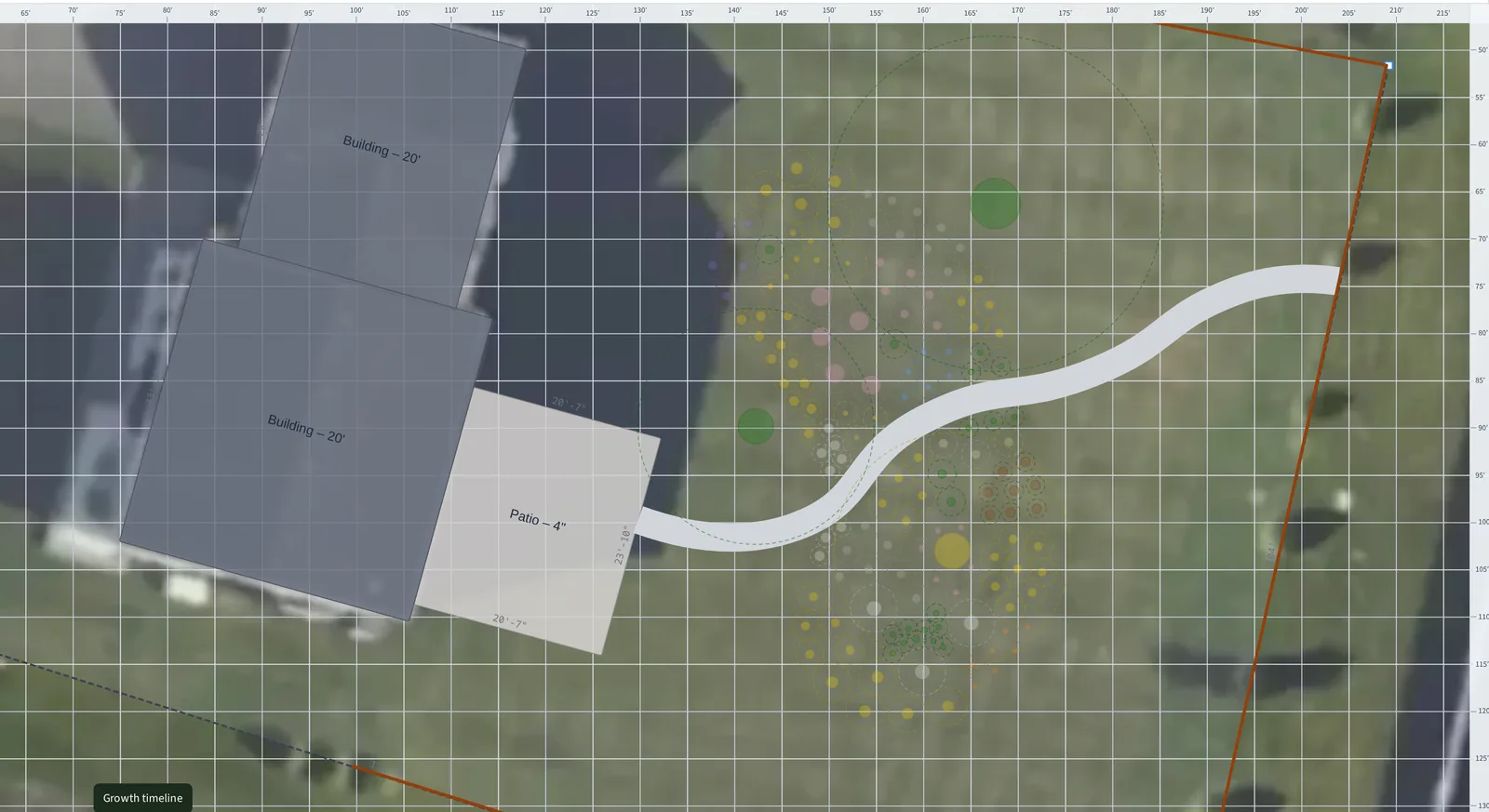
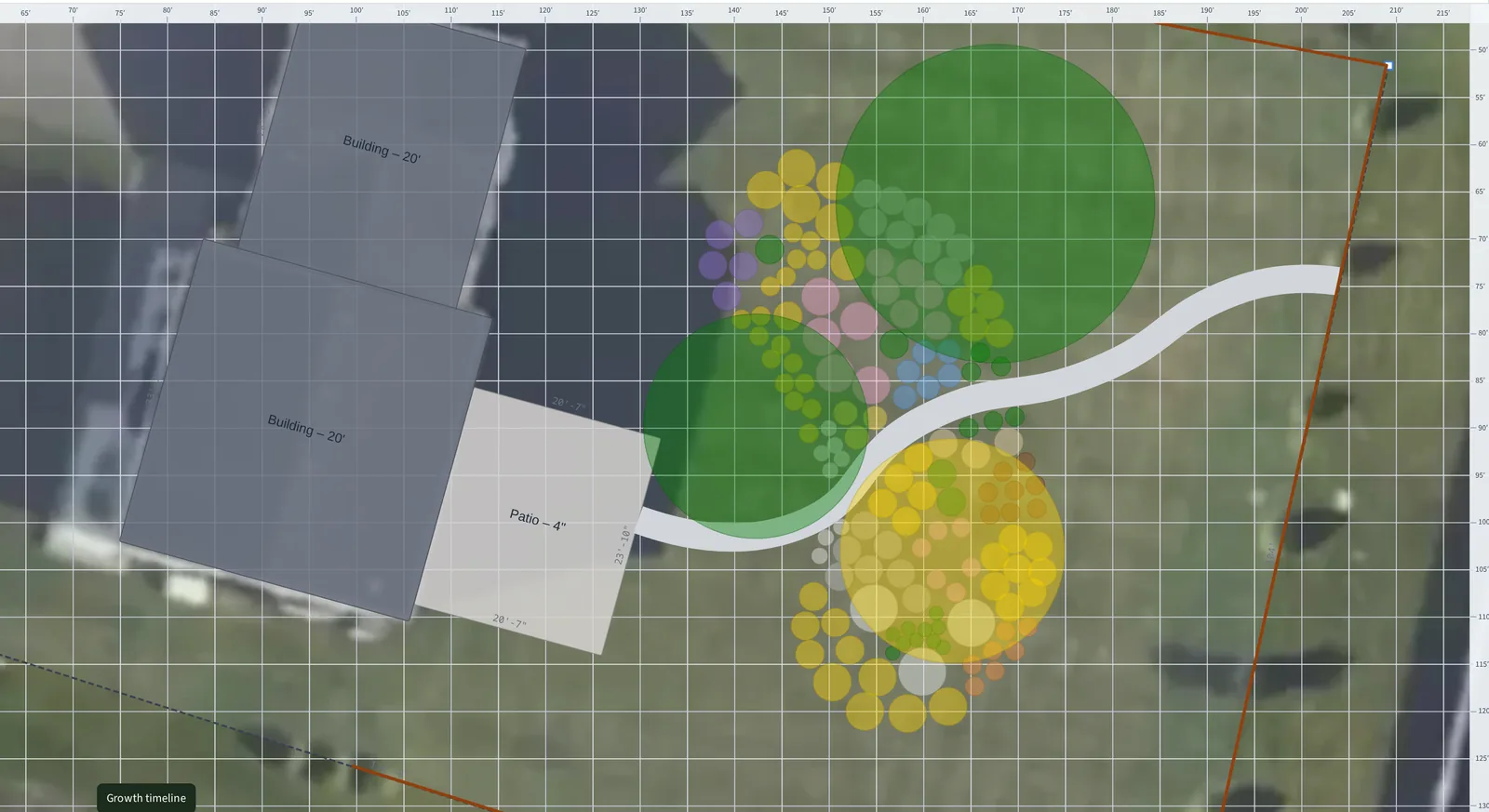
By Year 15 the model has the trees at or near their published mature spread. Take that as the outer case rather than a forecast — most shade trees take decades longer to get there — and use it for the questions it answers well. Which shrub ends up under the maple? Which path closes up? Which window stops seeing the garden?
It is also where growth and light meet. Recalculate the sun analysis at Year 15. Beds that were in full sun on planting day now read part shade, because of trees you chose yourself.
Try it on your own yard
Start designing freeFree to start · No credit card required
The rest of the picture
Start from a satellite view of your actual yard
Type your address and trace your property line. Two minutes later you have a to-scale design of your yard with the house, the driveway, and the existing trees already on it — and you never touched a tape measure.
See how satellite canvas works →Sun & shade analysisKnow exactly where every shadow falls
Plants fail in the wrong light more often than for any other reason. Plantyd counts the hours of direct sun that reach every square foot of your yard, then shows you the species that will work best.
See how sun & shade analysis works →Bed plannerPlan your raised beds from the first sowing to the last harvest
Draw your raised beds, lay crops out on a square-foot grid, and Plantyd builds a calendar from your own frost dates: when to sow, when the bed frees up, and what can still finish before the cold.
See how bed planner works →